




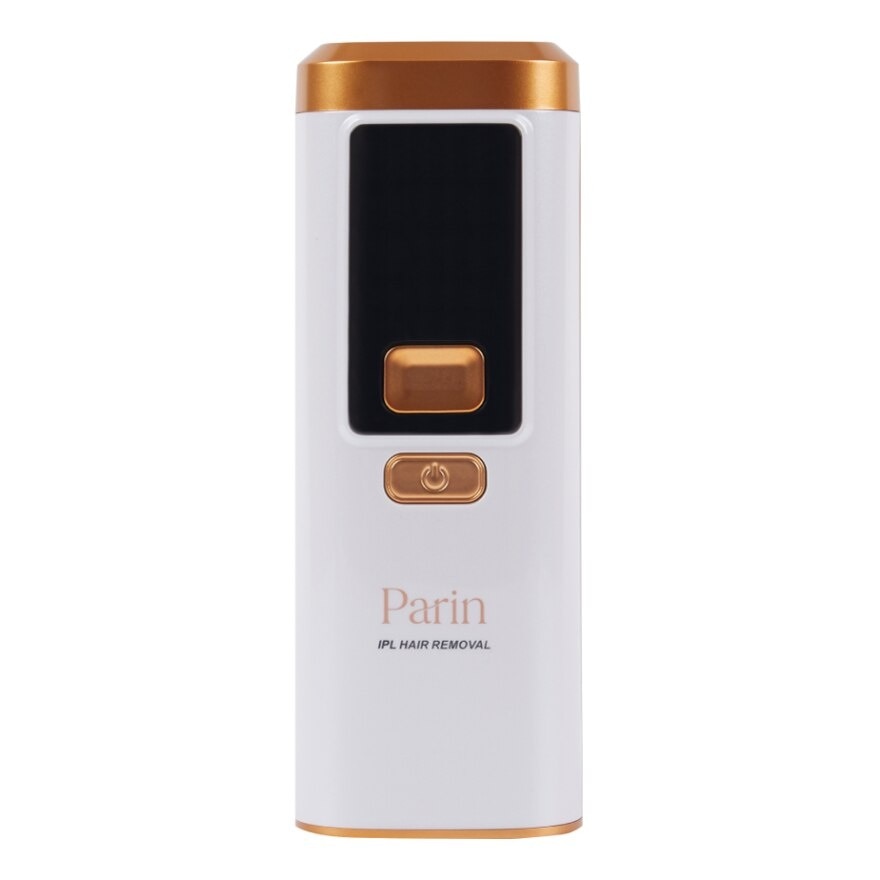
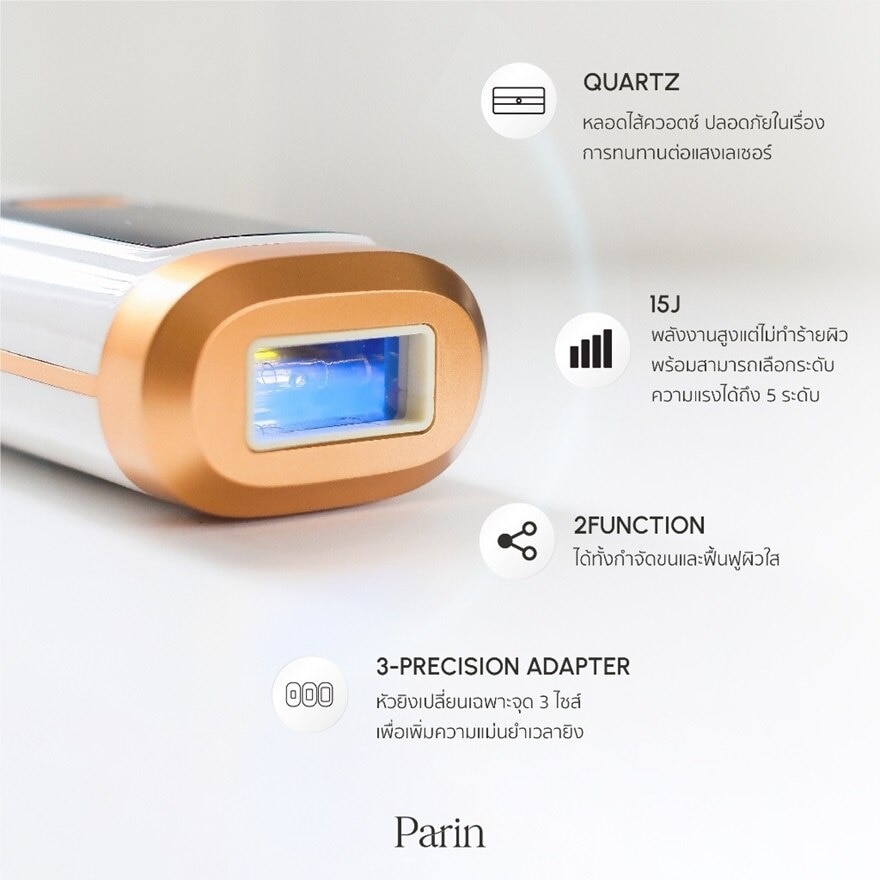



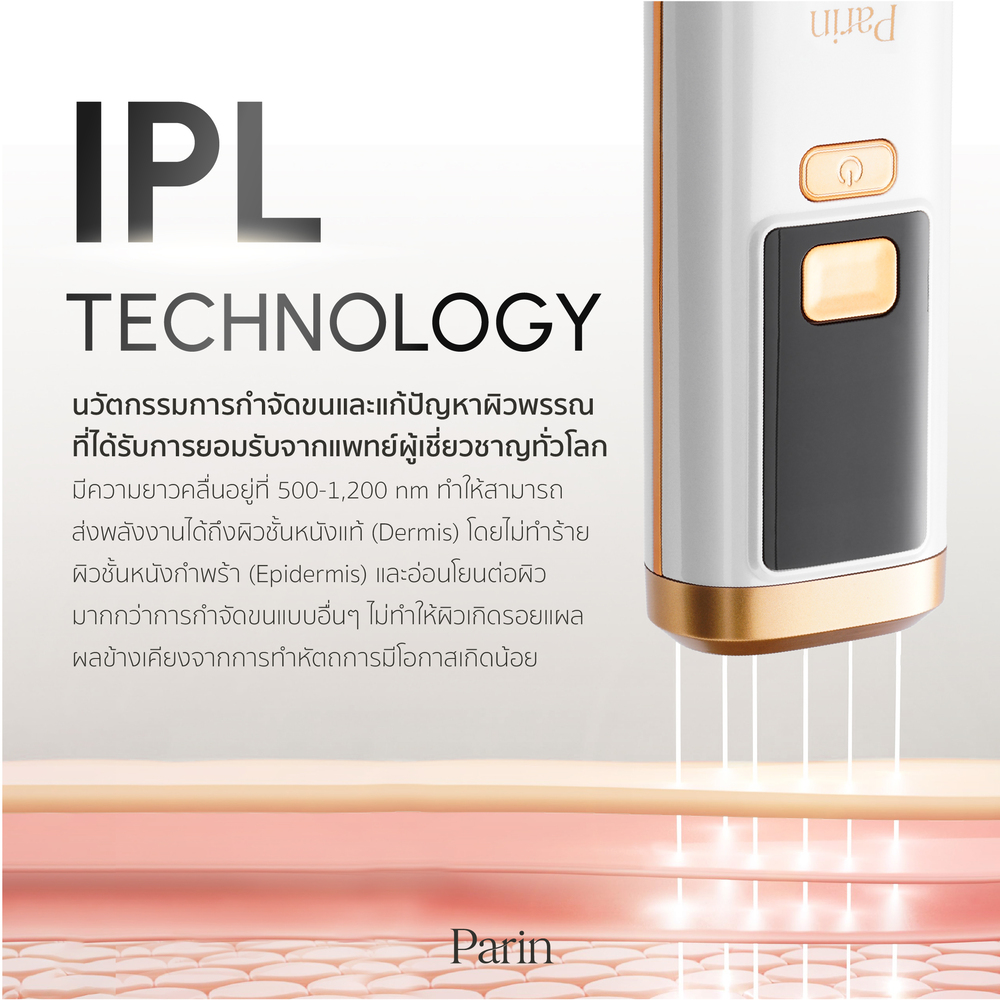
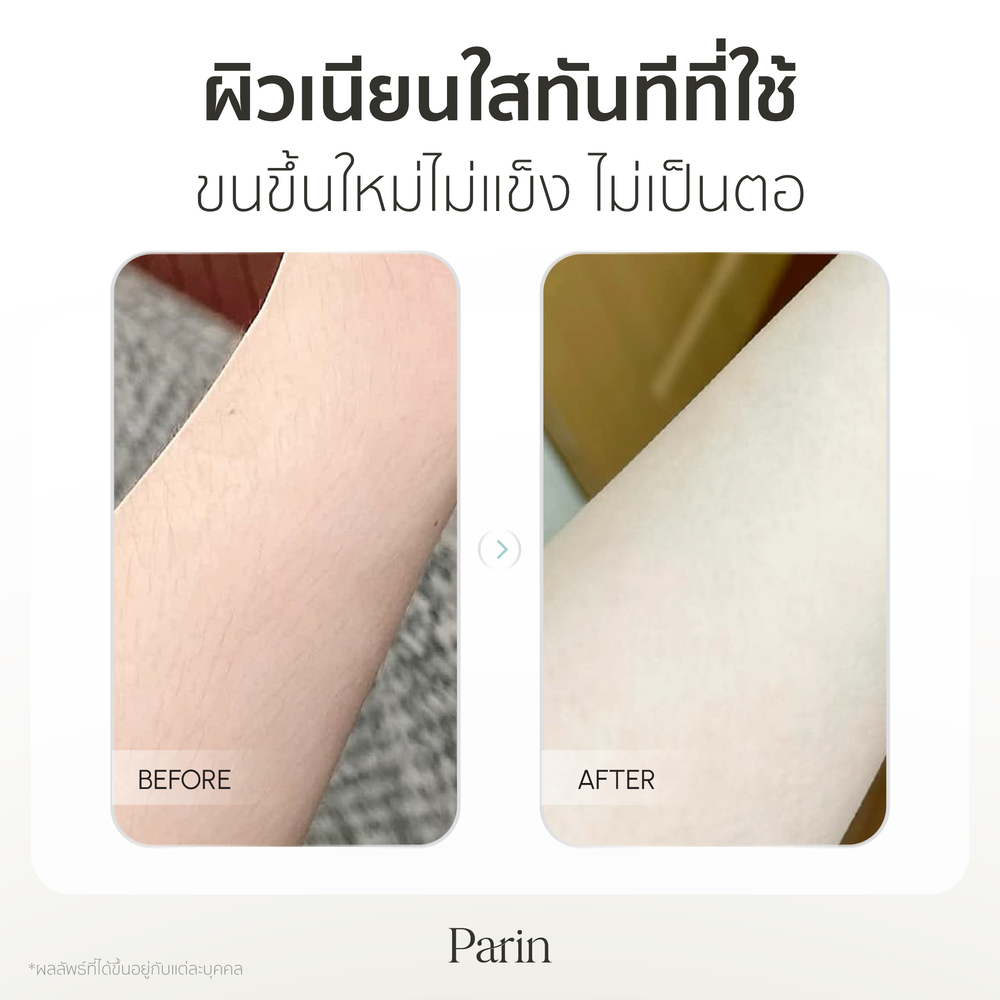
Parin IPL Multifunction Gen3 999999 Shot Is An IPL Device With Two Modes Hair Removal And Skin Rejuvenation All In One Machine It Targets The Root Cause Of Hair Growth Inhibiting The Growth Of New Hair Leaving Your Skin Smooth And Free From Bothersome Hair It Also Promotes Clear Skin Stimulates Collagen To Reduce Acne Scars Black Spots Redness Freckles And Tightens Pores Resulting In Clear Radiant And Even Toned Skin It Can Be Used On The Face Beard Armpits Arms Legs Bikini Area Back And Any Part Of The Body Without Harming The Skin With An Intensity Of 15J And Adjustable Levels Of 5 Modes You Can Control The Strength According To Your Preference It Has Both Manual Shot Mode And Continuous Automatic Shot Mode Making It Convenient To Use The Device Comes With 3 IPL Heads For Different Areas Of Use With Up To 999999 Shots Ensuring Long Lasting Use For Up To 20 Years The Lcd Screen Displays The Number Of Shots And The Skin Touch Sensor System Only Works When The Light Emitting Area Touches The Skin It Features A
Origin
China
Benefit
662220013676
How to Use
Shave the area you want to treat Insert the plug into the device to turn it on Press and hold the power button until the screen lights up Wear protective goggles or avoid looking at the light when it flashes Press the power button to adjust the intensity level from 1 to 5 then release For Auto mode press and hold both the power button and the shot button simultaneously until the letter A appears Place the device on the skin where you want to treat. It will automatically emit shots without pressing any button Press and hold the power button to turn off the device after use After treatment apply moisturizing cream to hydrate the skin Clean the flash head and device using a soft cotton cloth or cotton pad
Ingredients
Plastic, Aluminium